Inventory problems almost always come from a lag — the gap between when something actually moves and when the system finds out about it. A product sells but stock is not updated until the end of the day. A delivery arrives but the system shows last week's count. Stock is transferred between branches but no one recorded it properly.
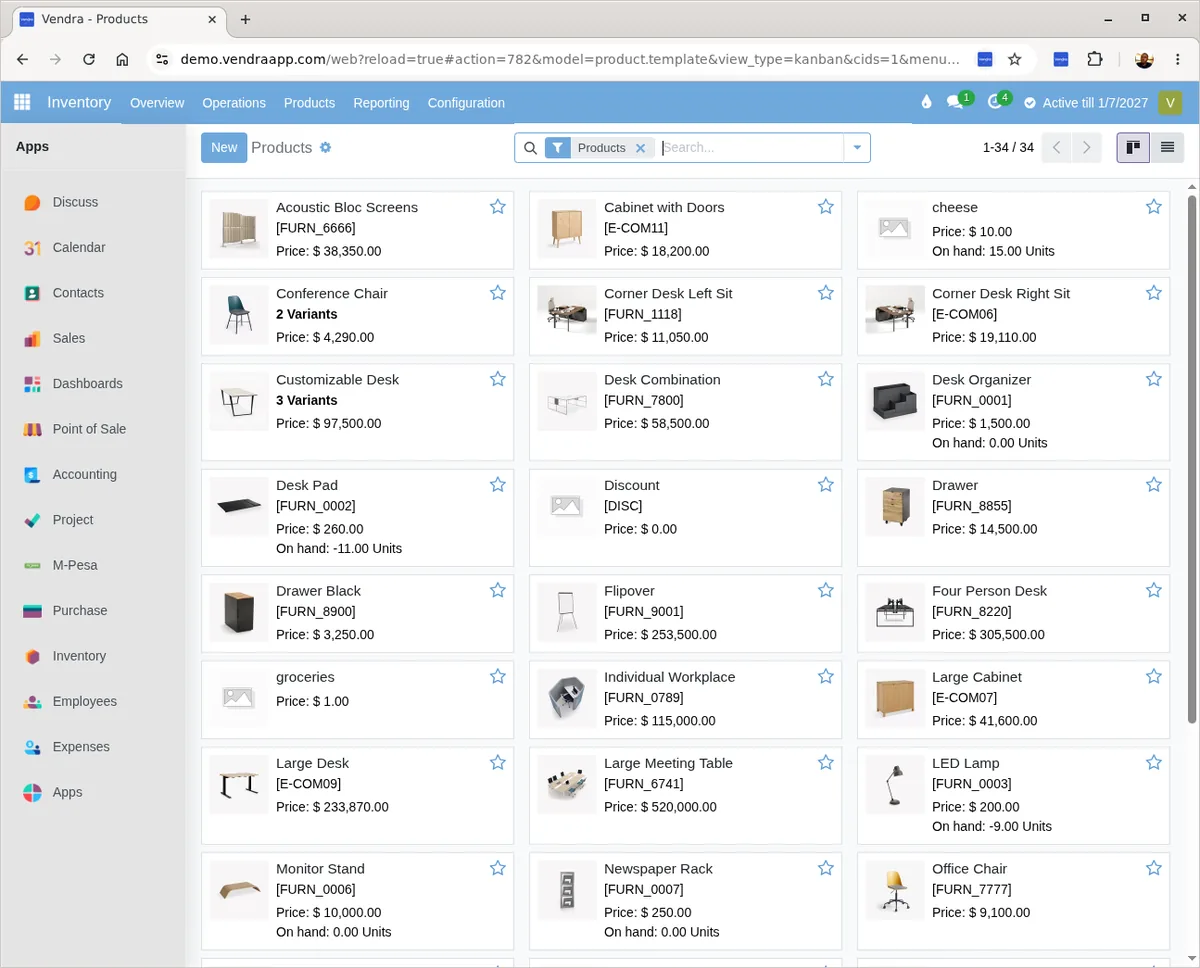
Vendra updates stock in real time, from every transaction. Sales at the POS, purchases from suppliers, transfers between locations and returns — all of it reflects immediately.

Real-time stock updates
When a sale is made at the POS, the stock deducts at that moment. When a purchase order is received from a supplier, the stock increases. When stock is transferred between branches, it moves from one location ledger to the other. No end-of-day batching, no manual updates.
Low-stock alerts
Set a minimum quantity for each product. When stock drops below that level, the system flags it in the interface so the buyer sees it. You reorder before you run out, not after a customer asks for something you don't have.
Purchase orders and supplier management
Create a purchase order, send it to a supplier, then receive the goods against that order when they arrive. The system checks what you ordered versus what came in. Shortfalls are flagged. Supplier invoices are matched against the order. If you were charged for 50 units but only 45 arrived, that shows up before you pay.
Every inventory movement in Vendra has a record: who made it, when, what quantity, from where and to where. If a stock count does not match, you can trace exactly what happened — not guess.
Multi-location stock
Track stock per branch, warehouse or outlet. See totals across all locations or drill into a specific one. Transfers between locations are recorded with full audit trail.
Batch and expiry tracking
For pharmacies, food businesses or any product with a shelf life — assign batch numbers and expiry dates on receipt. Sell oldest stock first automatically.
Stock movement reports
See fast-movers vs slow-movers, stock turnover rate, and which products are sitting too long. Use the data to buy better and avoid tying up cash in dead stock.
Zero-stock blocking
The POS cannot sell a product when stock hits zero. This prevents phantom sales and forces discrepancies to surface immediately rather than at month-end.
Stocktaking
Physical stocktakes are supported directly in the system. You count what is on the shelf, enter the counts, and the system compares against what it expected. Variances are highlighted and can be investigated or adjusted with a reason. This replaces the manual spreadsheet approach most businesses use.